
Are you looking for a laptop that boosts your productivity and withstands the demands of daily professional work? In today’s modern workplace, a laptop is more than just a device; it’s your primary office. Whether you are a corporate professional, a creative designer, or a frequent traveler, choosing the right machine is key to your career success. In this guide, we reveal the best work laptops for 2026 that perfectly balance power, security, and durability
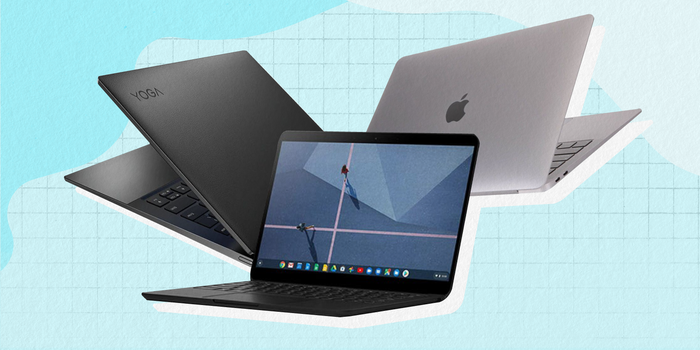
| Laptop Model | Nooca Shaqada | Maxaa lagu doortay? |
| Lenovo ThinkPad X1 Carbon | Maamulka & Xafiisyada | Kiiboodhka ugu fiican dunida iyo adkaysi cajiib ah. |
| MacBook Pro (M3/M4) | Design-ka & Video Editing | Awood aad u saraysa iyo batari soconaya maalinta oo dhan. |
| Dell XPS 13/15 | Professional All-rounder | Shaashad aad u qurux badan iyo design casri ah. |
| HP EliteBook | Shirkadaha & Amniga | Waxaa ku rakiban barnaamijyo ka difaaca jabsashada (hacking). |
| Microsoft Surface Pro | Safarka & Kulannada | Waa laptop iyo Tablet isku jira, aadna u fudud. |
Essential Features to Look For in a Work Laptop
When choosing a laptop for professional use, focus on these four critical areas to ensure efficiency and data protection:
1. Advanced Security
Work laptops often handle sensitive information. Ensure your device includes:
- Biometric Authentication: Features like a Fingerprint Reader or Face ID (Windows Hello) for secure and fast logins.
- Physical Webcam Shutter: A built-in privacy cover for your camera to ensure you are only seen when you want to be.
2. High-Quality Camera & Microphone
With the rise of remote work and virtual meetings (Zoom, Teams, Google Meet), clear communication is key:
- Webcam: Look for at least a 1080p (Full HD) resolution.
- Audio: Choose a laptop with AI Noise Cancellation microphones to filter out background noise during calls.
3. RAM & Multi-tasking Power
Professional work usually involves running multiple heavy applications like Outlook, Excel, and dozens of browser tabs simultaneously.
- 16GB RAM is the recommended standard for 2026 to ensure a smooth, lag-free experience while multitasking.
4. Connectivity & Ports
Avoid the hassle of carrying extra adapters by picking a laptop with the right built-in ports:
- HDMI: Essential for connecting to external monitors or office projectors.
- USB-C / Thunderbolt: For fast data transfer and universal charging.